

We are pleased to announce the release of Thea Render v3.5 with new features and enhancements. Read below to learn more about what’s new.
UV RANDOMIZER
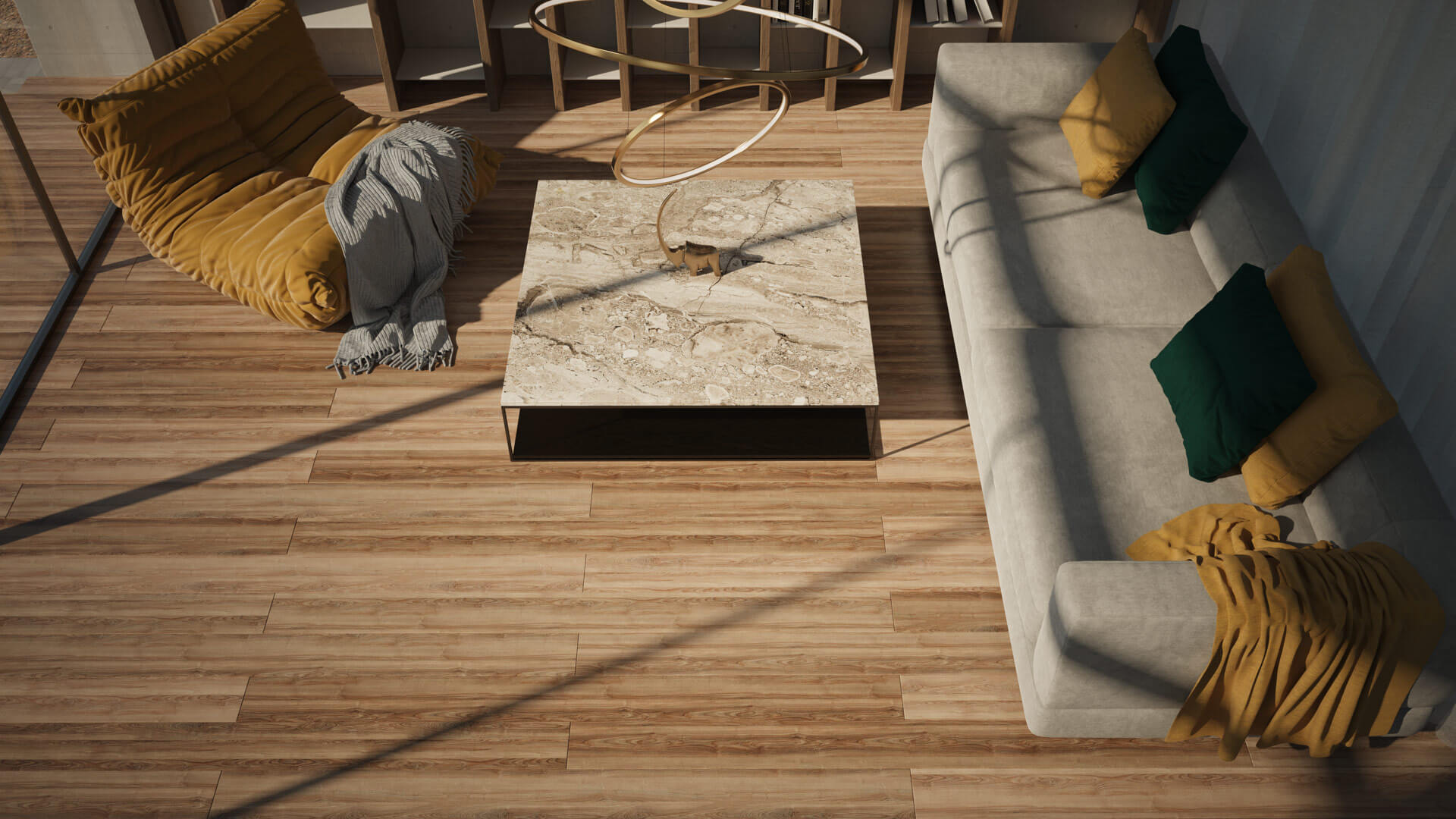
UV Randomizer is an extra option in the Coordinates panel which helps in removing the repetition and randomizes the material for all instances sharing the same one. A good use case here is a parquet floor as seen in the following example.


UV Randomizer in action using random values for UV Offset.
BITMAP RANDOMIZER
To make the UV Randomizer more powerful, we have also introduced the Bitmap Randomizer option. Bitmap Randomizer provides an additional way to add variation to the scenes. You may now assign multiple bitmaps to a channel which will then be applied randomly to all instances sharing the same material.
In the following example, we have added three different images using the new “Randomize With…” option. One additional option with the Bitmap Randomizer is that the probability of each texture is now controlled by the weight percentage of each loaded bitmap.
As one would expect, the Bitmap Randomizer is not limited to images but includes procedurals too.
Finally, the Bitmap Randomizer can be combined with the UV Randomizer and create smart materials with minimal effort.
Bitmap Randomizer
Using the same texture but with different tone mapping settings
RANDOM GLINTS
With the addition of Random Glints, it is easier than ever to create glittery surfaces containing small mirror-like flakes that react to the light. While this result can be achieved with the use of normal maps, the new feature is well integrated in the material setup workflow and can be turned on with a single click.
Have a look at the following examples showing the interaction of glints with the lights in the scene.
Random Glints
Camera Animation with static lighting
Random Glints
Animated light with static camera
SUBSTANCE 3D MATERIALS SUPPORT
In version 3.5 of the Thea Render integrations, native support for Substance 3D materials has been added. There is no need to convert Substance 3D materials to Thea Materials since .sbsar files can now be opened from within the Thea material editor and get access to the Substance 3D parameters.
Substance 3D Materials Support
Image showing the Substance material UI with a render in the background
GLOBAL COORDINATES
Global Coordinate is a workflow enhancement that will make the coordinates handling a lot easier. Global Coordinates remove the hassle of going through each one of the bitmaps of a material and allows one to change them all at once.

Global Coordinates
Screenshot of the user interface
SUPPORT FOR RHINO NATURE
Thea for Rhino now offers native support for the Rhino Nature scattering tool for Rhinoceros. Native Support allows Thea for Rhino to use the Rhino Nature viewport representation of proxies while rendering the scattered objects in real time.

Image credits: Beppe Barone
MORE FEATURES
- SketchUp 2022
- Intel Open Image Denoiser updated to v1.4.1 with improved fine detail preservation
- Material editor redesign
- Point light intersection
- Smart coordinates synchronization
FIND OUT MORE
Check out the release notes for more details.
Thea for SketchUp – Release Notes
Thea for Rhino – Release Notes