

Random color is a texture that can be used to add variation to your instanced models and create unique effects such as grass, bushes, trees, wooden floor and more.
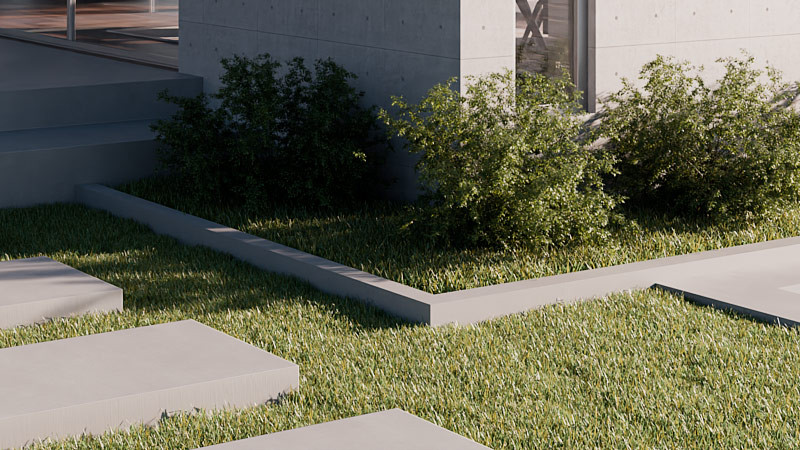

Example: Adding variation to grass
Let’s assume that we have a grass patch in our scene and the diffuse channel contains the basic texture of the grass blade.
- Open the Thea material editor
- Select the material of the grass proxy model
- Click on the diffuse channel to open the side panel.
- Click on the hamburger icon and select ‘Mix with …’ and select ‘Random Color’
- Change the blending mode from multiply (*) to add (+) by clicking on the asterisk icon
- Adjust the layer weight of the random color texture to your liking.