

VERSION 4.5
Speed without compromises
We're thrilled to announce the release of version 4.5 — building on the momentum of our groundbreaking 4.0 launch. This latest update refines and expands everything that made v4.0 a milestone: our powerful next-gen render engine now delivers even greater performance, and the redesigned user experience continues to evolve, making rendering faster, more intuitive, and more enjoyable than ever.

Key Features
Parallax Occlusion Mapping
Parallax Occlusion Mapping brings unparalleled depth and realism to your scenes without the heavy performance cost of true geometry. By using displacement or height maps to simulate surface detail, this advanced technique creates the illusion of complex texturesthat react dynamically to light and camera movement. The result? Richer, more immersive visuals that feel truly three-dimensional, all while keeping your workflow smooth and efficient.

Focus to Object
Bring your scenes to life with cinematic animations using the Focus to Object feature. Easily set and animate your focus point by linking it to objects in your scene, giving you greater control and more dynamic results.

Sheen
Sheen brings an added layer of realism by simulating soft, diffused reflections on materials with fine surface details. Whether you’re rendering fabric, dust, or other textured surfaces, Sheen helps capture the subtle interplay of light that makes them feel true to life.

Smart Resolution
Smart Resolution speeds up your render times by rendering at a lower resolution and upscaling to your target size—significantly reducing render time with only minimal impact on visual quality.

Material Override
Material Override lets you override all scene materials with a default or custom material. With advanced controls, you can fine-tune the override or exclude specific objects for greater flexibility in your workflow.
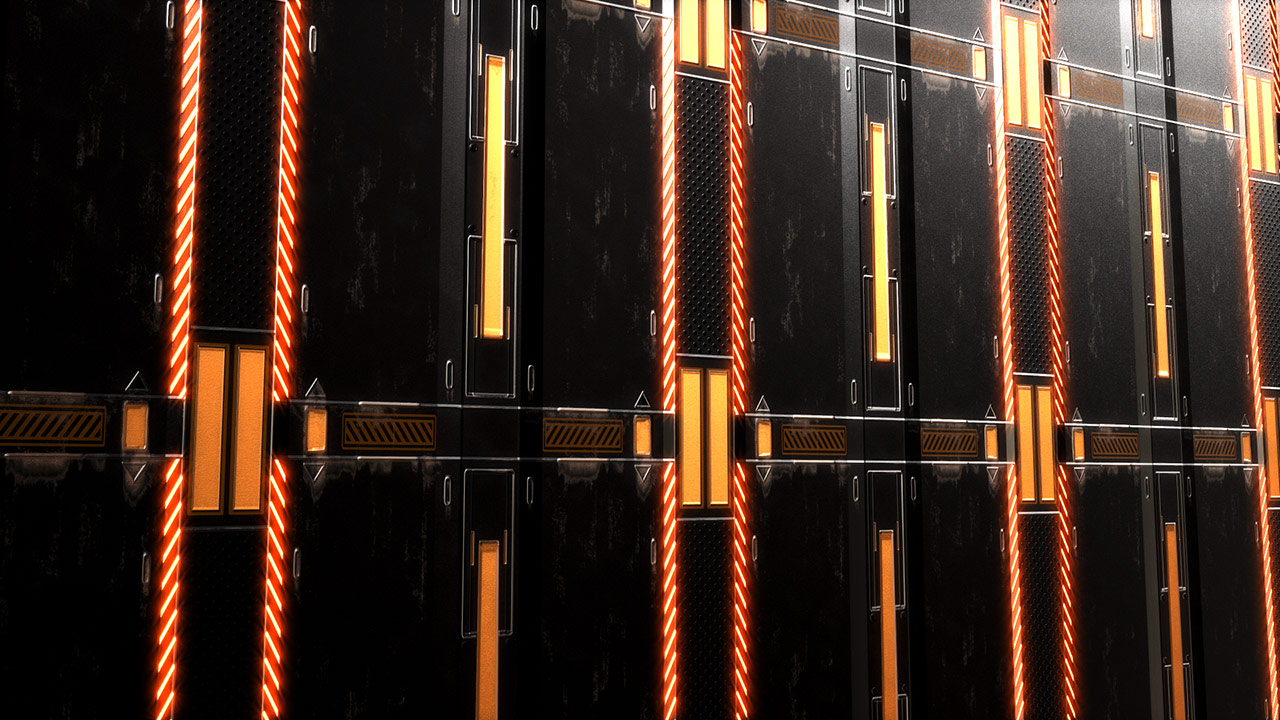
Interactive Glare
Interactive Glare is now faster than ever, delivering real-time feedback as you adjust glare settings. Enjoy smoother performance and quicker iterations, so you can fine-tune your lighting effects without slowing down your workflow.
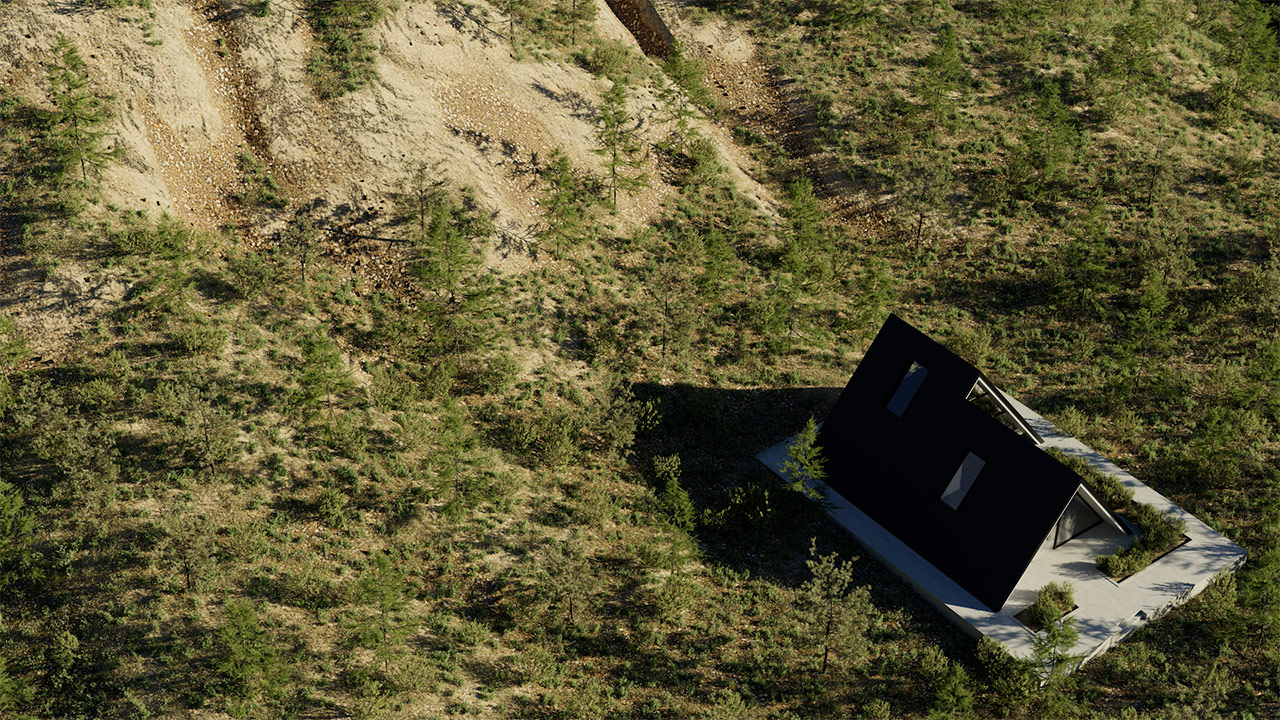
Scatter: Remove Objects on Slope
“Remove Objects on Slope” gives you greater control over scattered instances by automatically removing them from steep or uneven terrain—perfect for achieving more natural, realistic distributions.
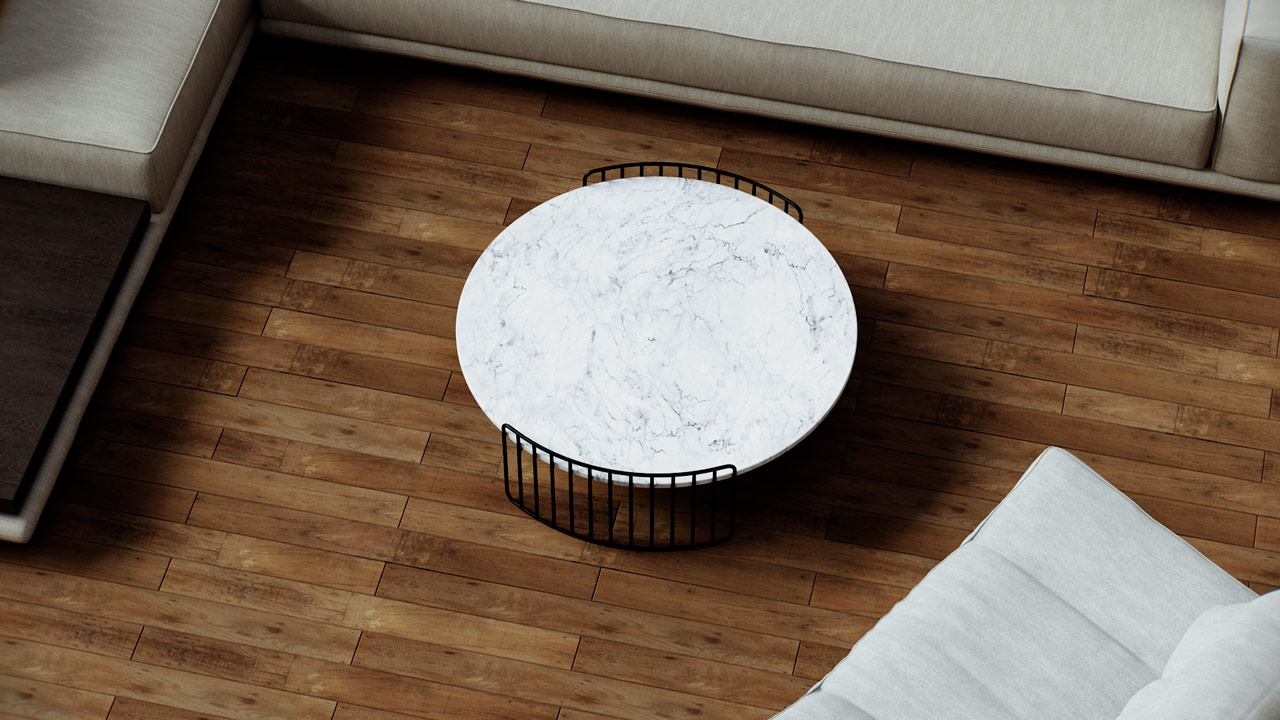
Bitmap & Tone Mapping Randomizations
The Nitro Editor now supports Random Bitmap, Tone Mapping Variance, and UV Randomization, making it easier than ever to add variation and randomness to your scenes.
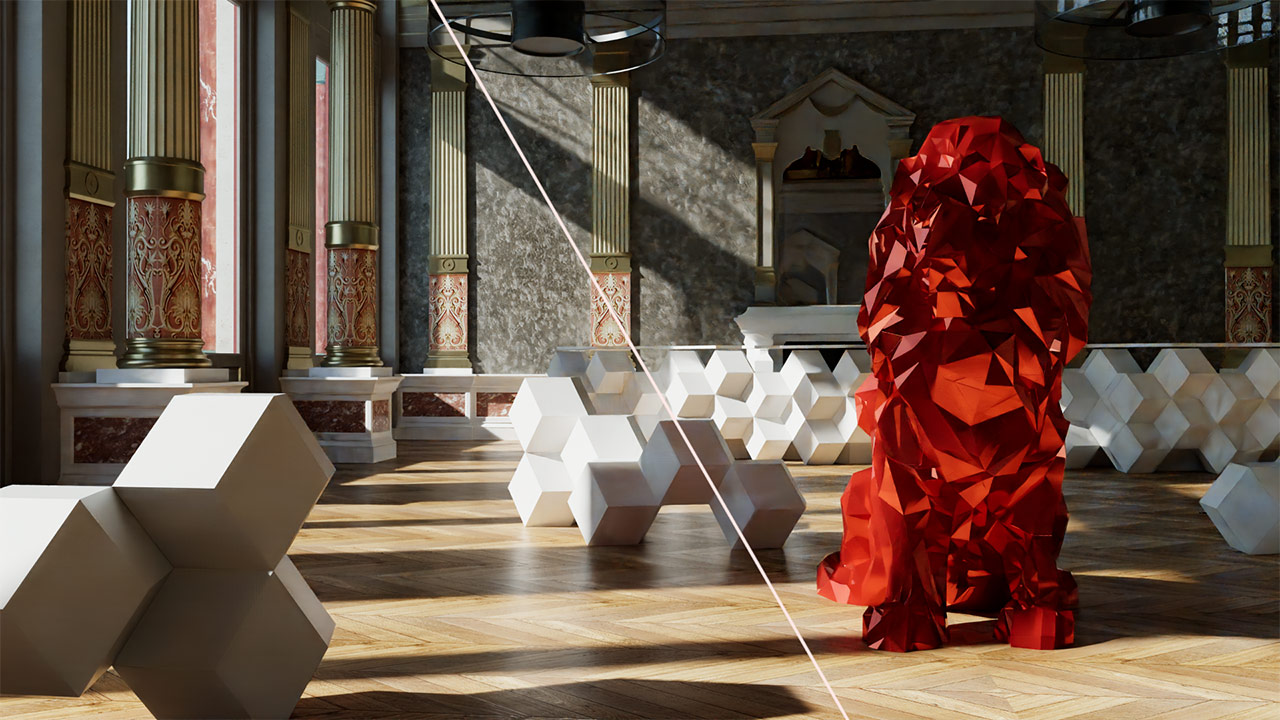
Motion Vectors
Motion Vectors enhance the interactive rendering experience by enabling smoother, more fluid motion. This feature improves real-time feedback during scene adjustments, making animations and camera movements appear more natural and responsive.
Scene provided by Jean Thiriet
Other Features
Multiple base surfaces support for Scatter | Shadows affecting Alpha channel | Projector lights in Rhino | Finite Sphere